

Linux System administration , cloud/server security specialist and Wordpress Developer
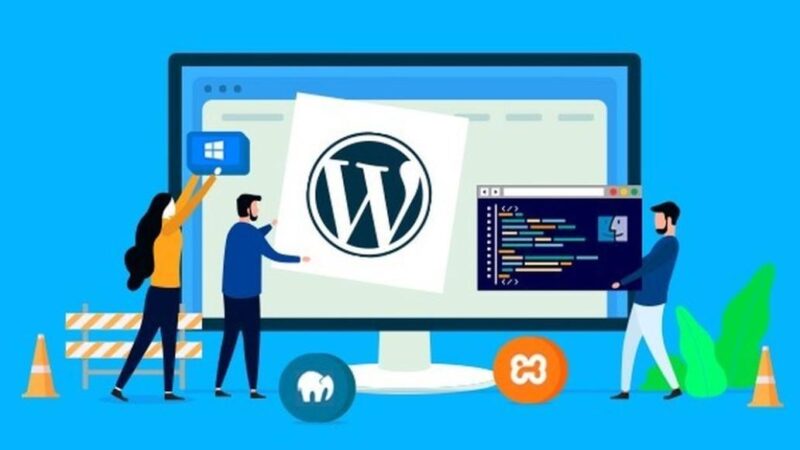
Lightsail configuration and Migration WordPress website on the AWS
Migrating a WordPress website to AWS Lightsail involves a few steps. Lightsail is a simplified cloud service provided by AWS, offering a user-friendly interface and pre-configured options, making the migration process relatively straightforward. Here’s a step-by-step guide: 1. Create a Lightsail Instance: Log in to AWS Lightsail: Go to the AWS Management Console and navigate to Lightsail. Create an Instance: Click on “Create instance” and select the appropriate instance image. Lightsail offers a pre-configured WordPress image, making the setup easier. Select Instance Plan: Choose the instance plan based on your requirements (e.g., amount of RAM, CPU, and storage). Name your […]
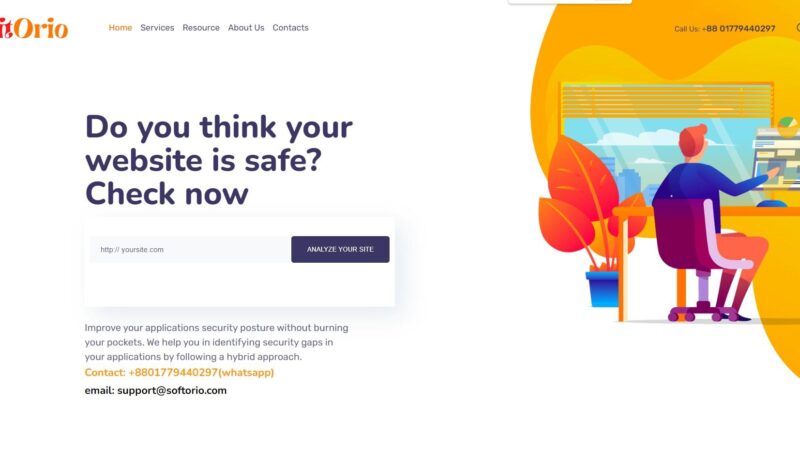
Agency Website using WordPress
Visit the Website Step 1: Domain, Hosting, and WordPress Setup Domain and Hosting: Choose a domain name and select reliable hosting suitable for a professional website. Install WordPress: Follow your hosting provider’s instructions to install WordPress. Step 2: Choose a Theme Select a Professional Theme: Choose a WordPress theme suitable for a digital agency. Look for one that supports portfolio display, services showcase, and has a professional design. Install and Activate: Install the chosen theme and activate it in the WordPress dashboard. Step 3: Customize the Website Customization: Use the theme’s customization options to modify colors, fonts, layouts, and other […]
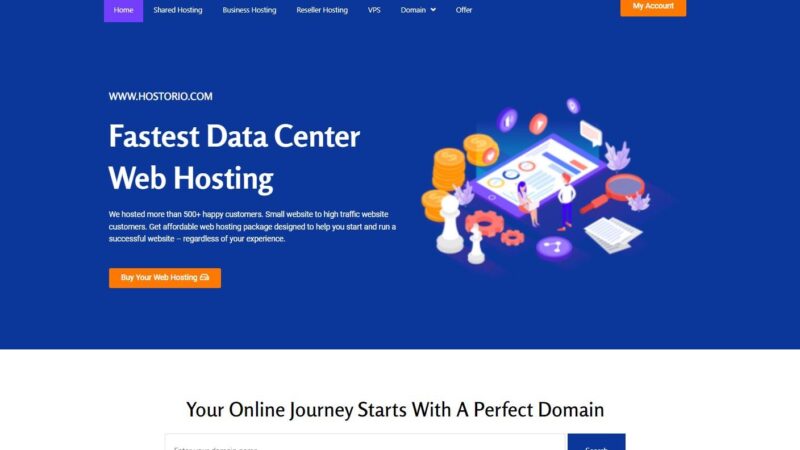
Domain Hosting Provider Company Werbsite
Visit Now Integrating WordPress with WHMCS (Web Host Manager Complete Solution) or other billing systems can be beneficial, especially for hosting companies or businesses that require client management and invoicing solutions. Here’s an overview of how you might use WordPress in conjunction with a billing system like WHMCS: WordPress Website: WordPress provides a user-friendly content management system and is widely used for building various types of websites, from blogs to e-commerce platforms. You can use it to create an attractive front-end for your business, offering information, services, and products to your customers. WHMCS Billing System: WHMCS is a comprehensive client […]

eCommerce Website build by Woocommerce using WordPress
Visit the website Step 1: Set Up WordPress Domain and Hosting: Choose a domain name and select a hosting provider that supports WordPress. WordPress Installation: Install WordPress on your hosting platform. Access Dashboard: Log in to your WordPress dashboard using the provided credentials. Step 2: Install and Set Up WooCommerce Install WooCommerce: In your WordPress dashboard, navigate to “Plugins” > “Add New” and search for “WooCommerce.” Install and activate the plugin. WooCommerce Setup Wizard: Run the WooCommerce setup wizard to configure fundamental settings for your online store, including currency, payment options, shipping, taxes, etc. Step 3: Choose a WooCommerce Compatible […]
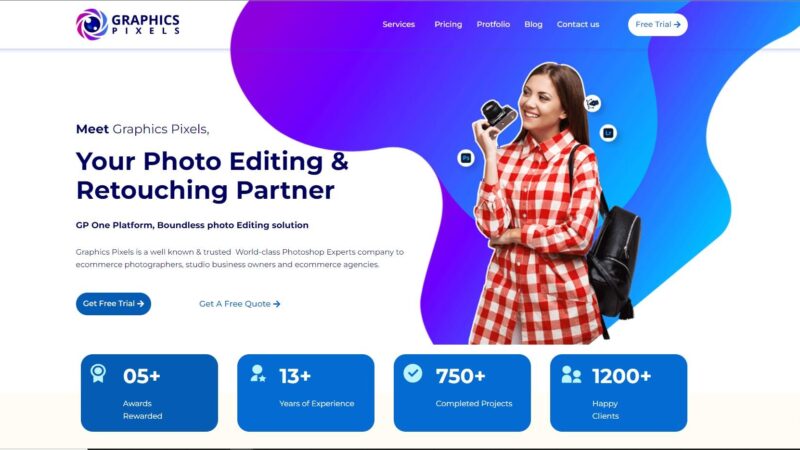
WordPress Website build Services
Building a WordPress website involves several steps. Here’s a general outline to guide you through the process I followed: Step 1: Planning Define Your Purpose: Determine the purpose of your website. Is it a blog, portfolio, business site, or an online store? Identify Your Audience: Understand who your target audience is and what they might be looking for on your site. Outline Content: Plan the main sections and content you want to include. Step 2: Domain and Hosting Select a Domain Name: Choose a unique and relevant domain name for your website. Choose Hosting: Pick a reliable web hosting service […]