









Give information about Md Arif Billah CSE’s education and career.

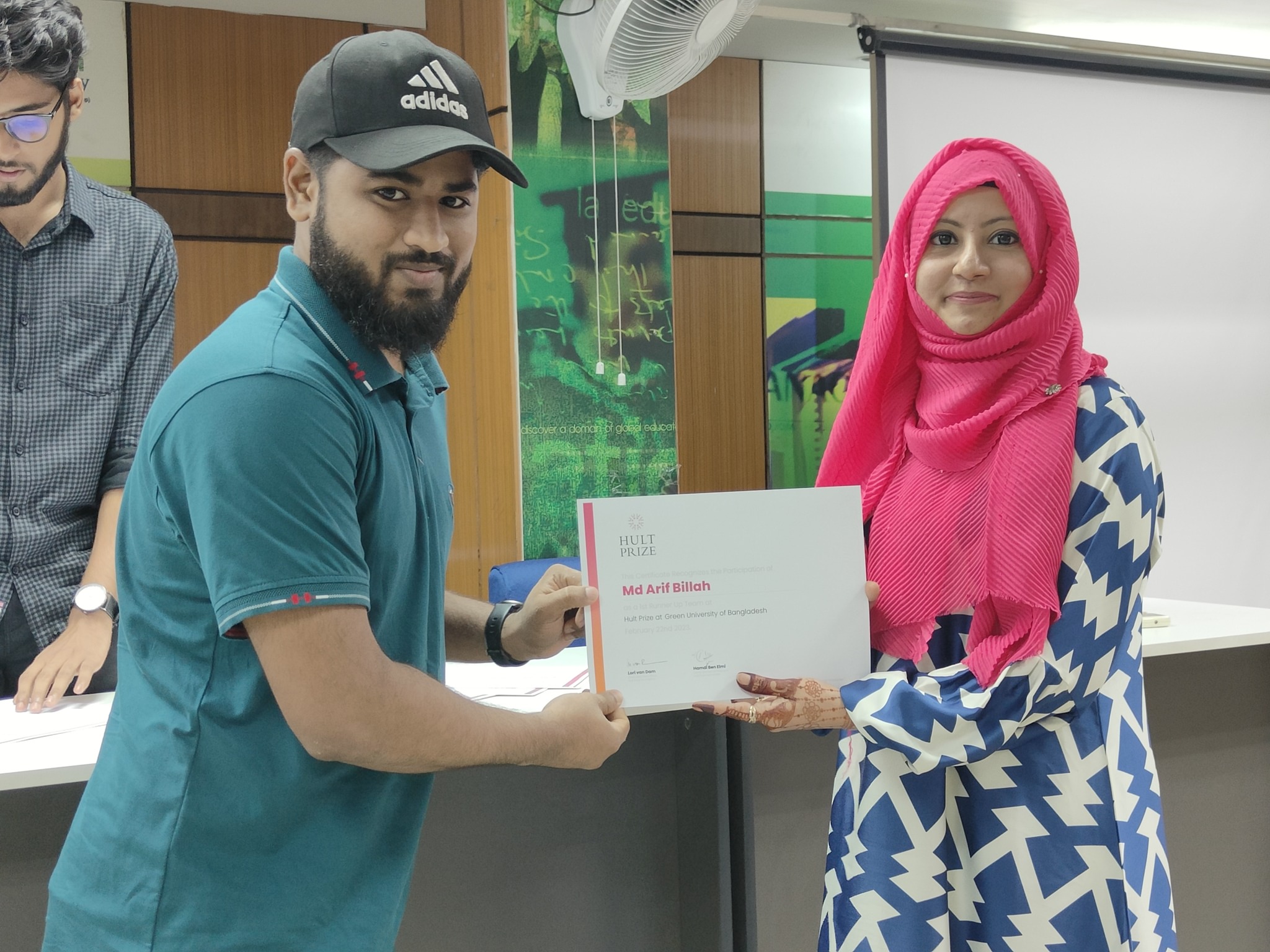
Md Arif Billah BSc in Computer Science & Engineering (CSE)Web Developer | Cloud Engineer | Digital Entrepreneur 🎓 Education Md Arif Billah completed his Bachelor of Science in Computer Science & Engineering (CSE) from Green University of Bangladesh.During his academic journey, he focused not only on theoretical knowledge but also on building strong practical skills in software development, cloud computing, server infrastructure, and modern web technologies. From his student life, he actively worked on: 💼 Career Md Arif Billah is a professional Web Developer, Cloud Engineer, and Digital Entrepreneur with experience in building scalable digital solutions and cloud-based infrastructures. He […]

Read More

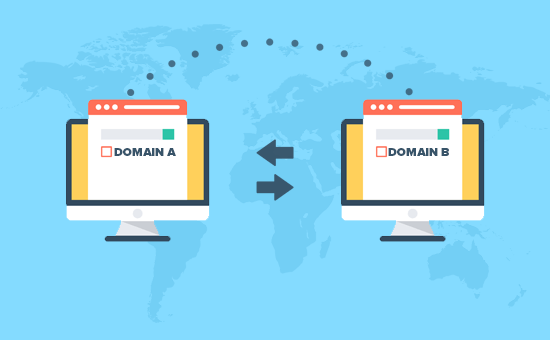
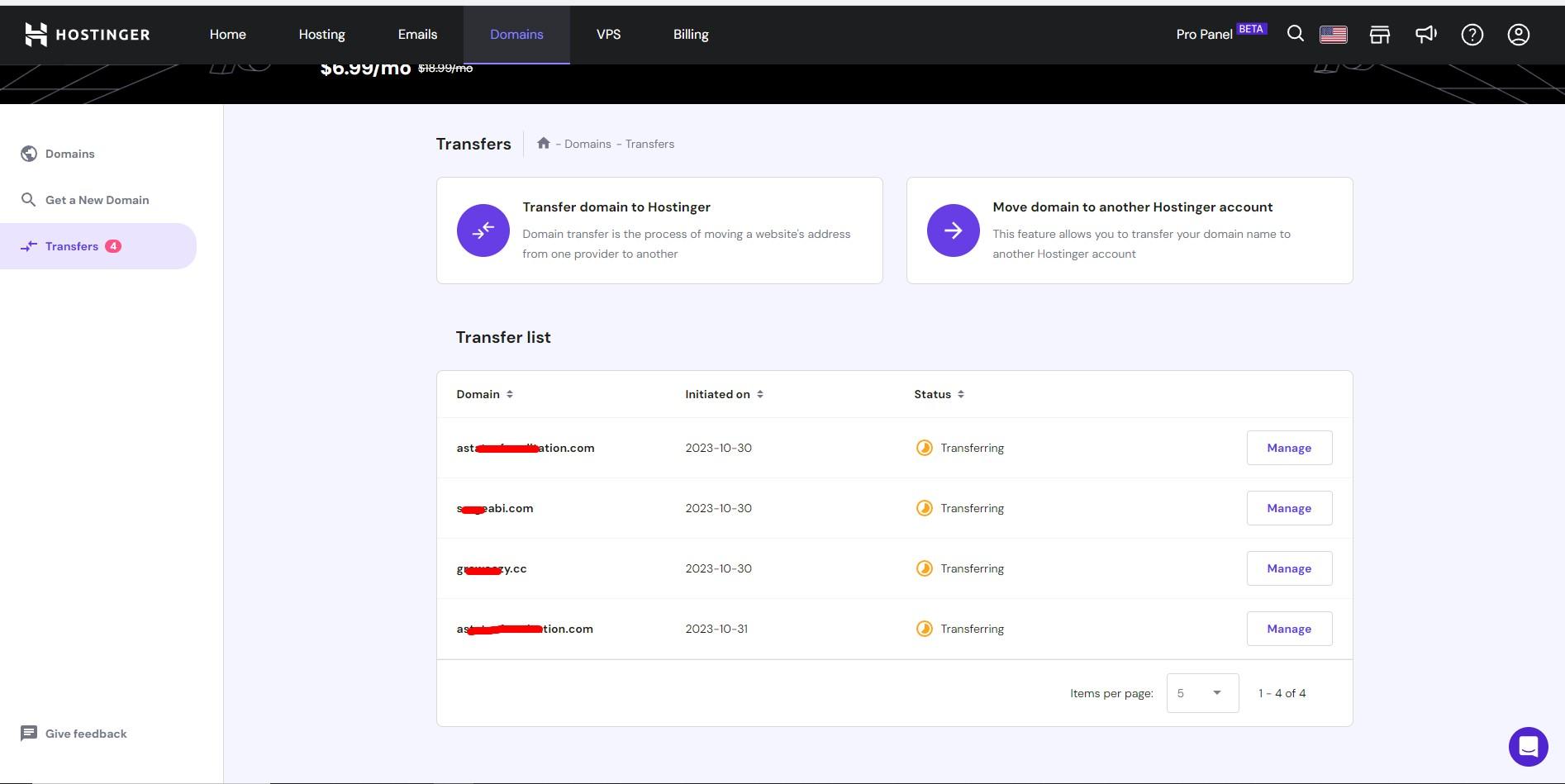
Domain registrar transfer Namecheap to hostinger

Transferring a domain name registrar involves moving your domain name from one registrar (the company where your domain is currently registered) to another registrar (the company where you want to manage your domain). Here are the general steps involved in transferring a domain name registrar: Check Transfer Eligibility: Ensure that your domain name is eligible for transfer. Some domain extensions (TLDs) might have specific transfer restrictions or conditions. Prepare the Domain for Transfer: Unlock the domain: Log in to your current domain registrar’s account and unlock the domain if it’s locked to prevent unauthorized transfers. Obtain the authorization code (EPP […]

Read More

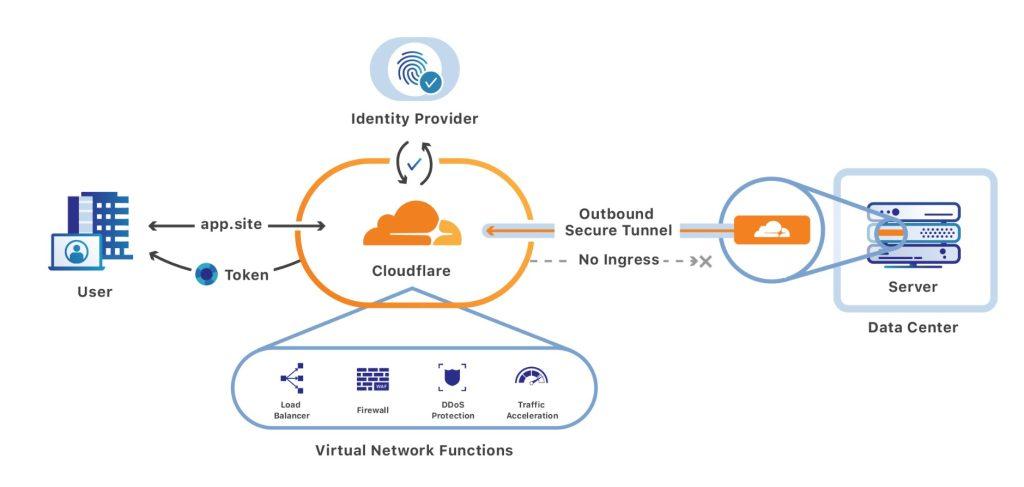
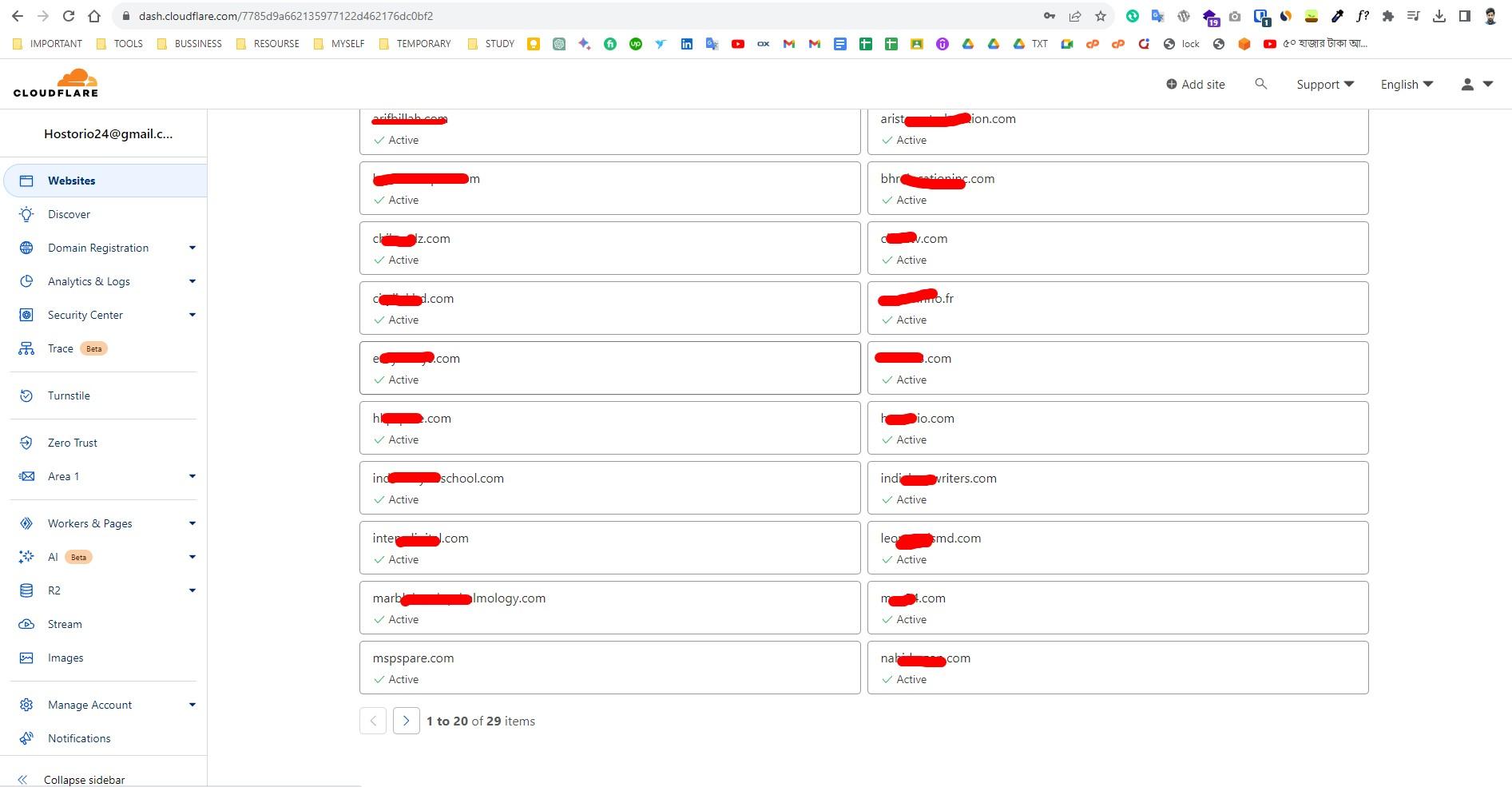
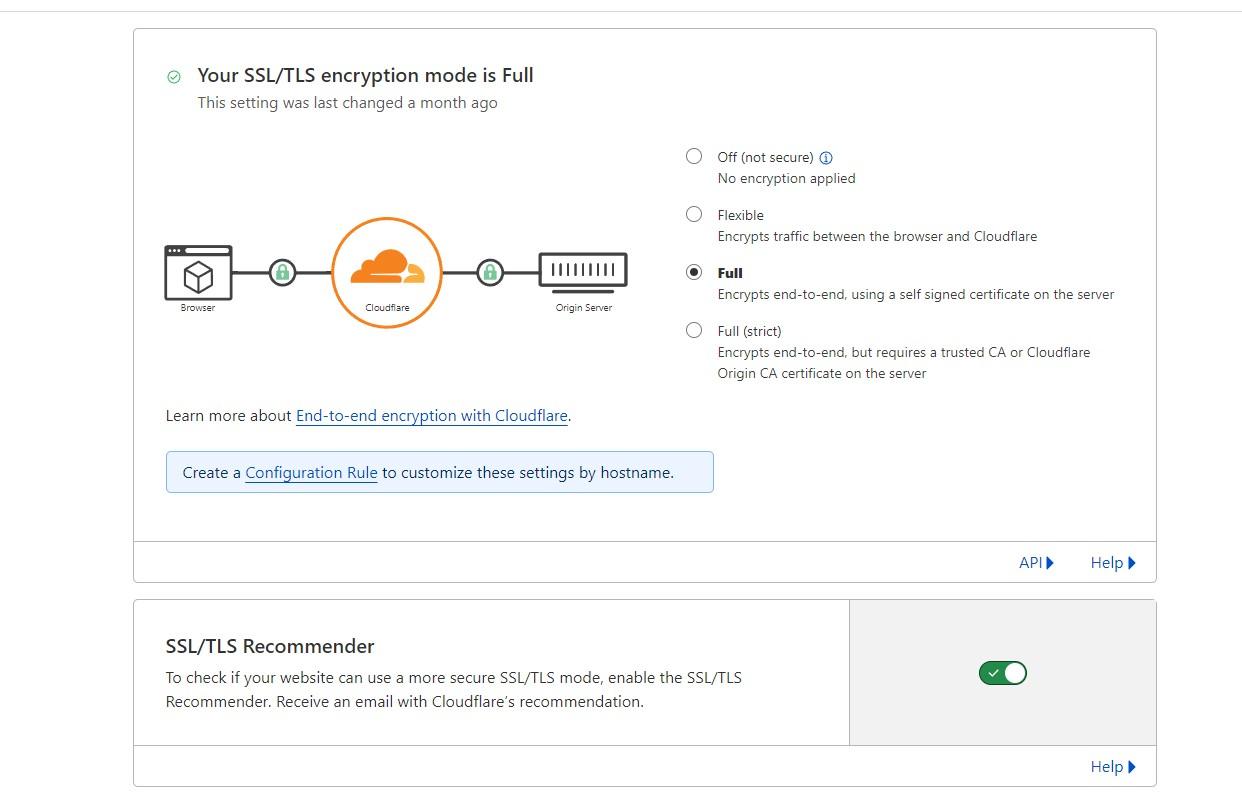
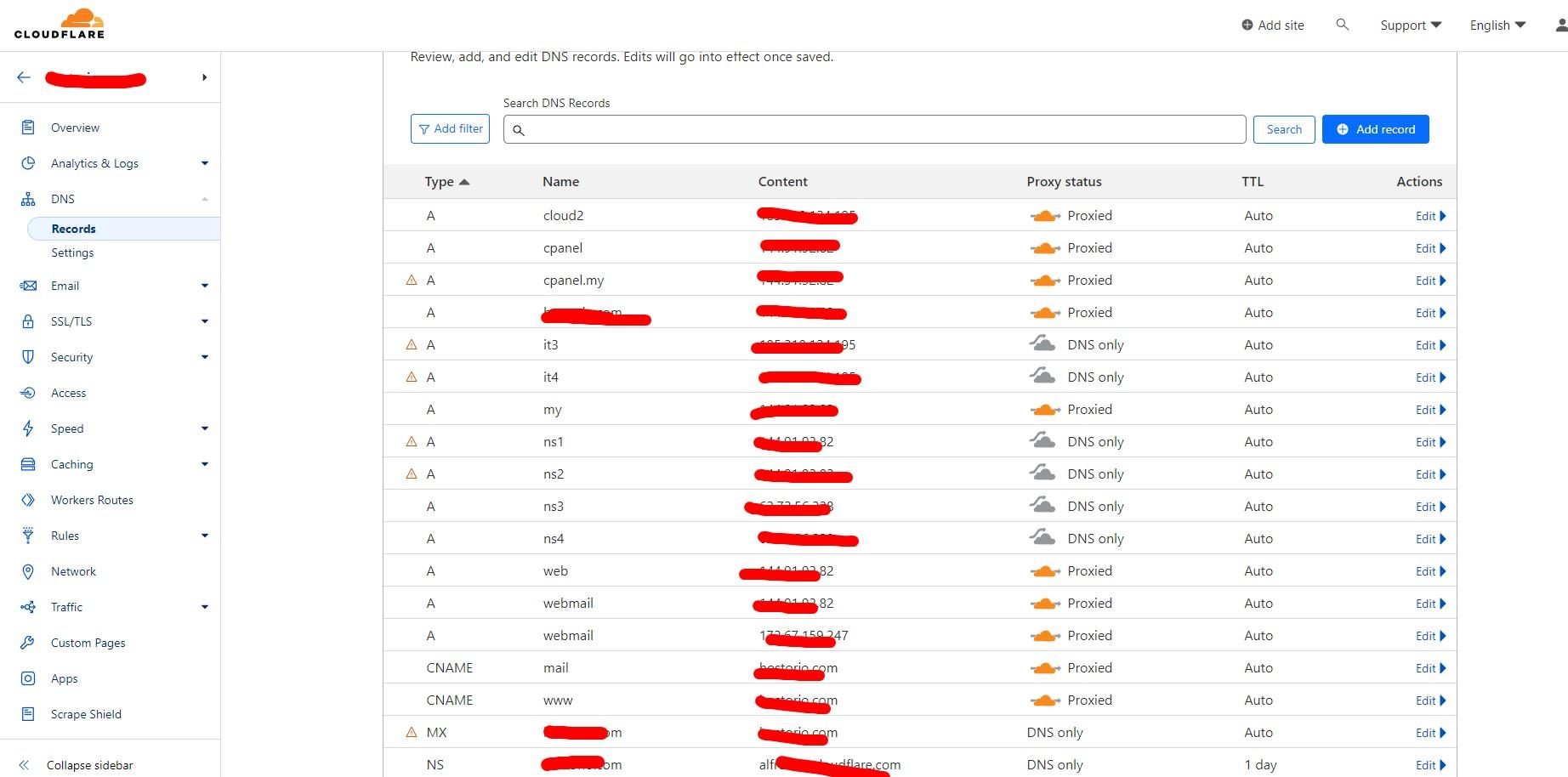
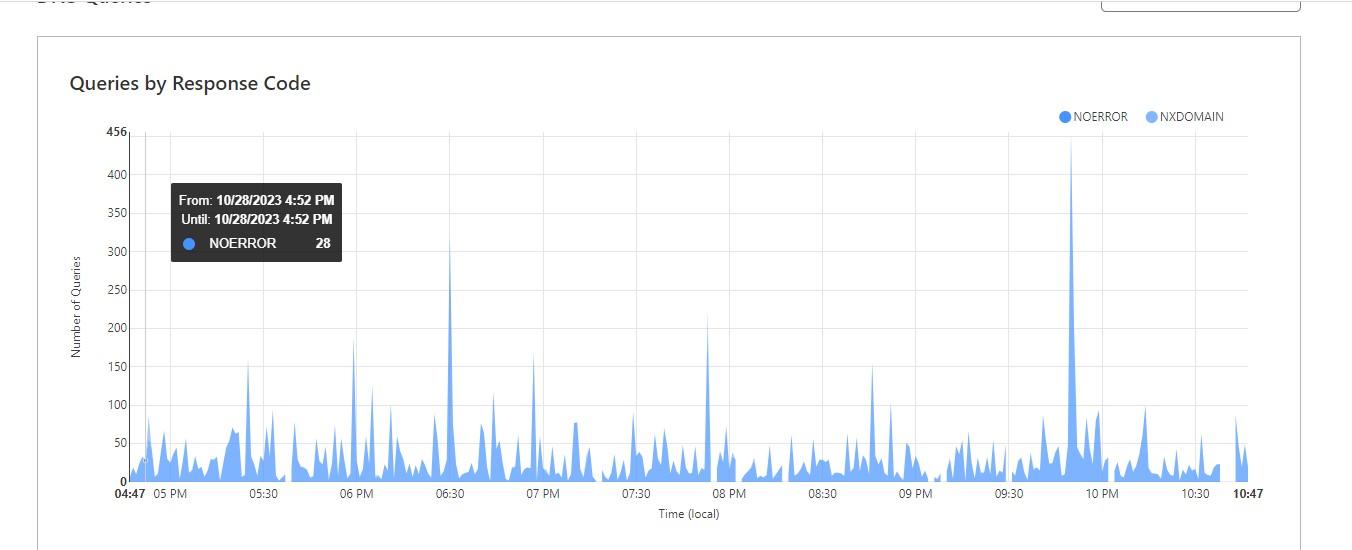
CloudFlare Configuration and Increase Server Security

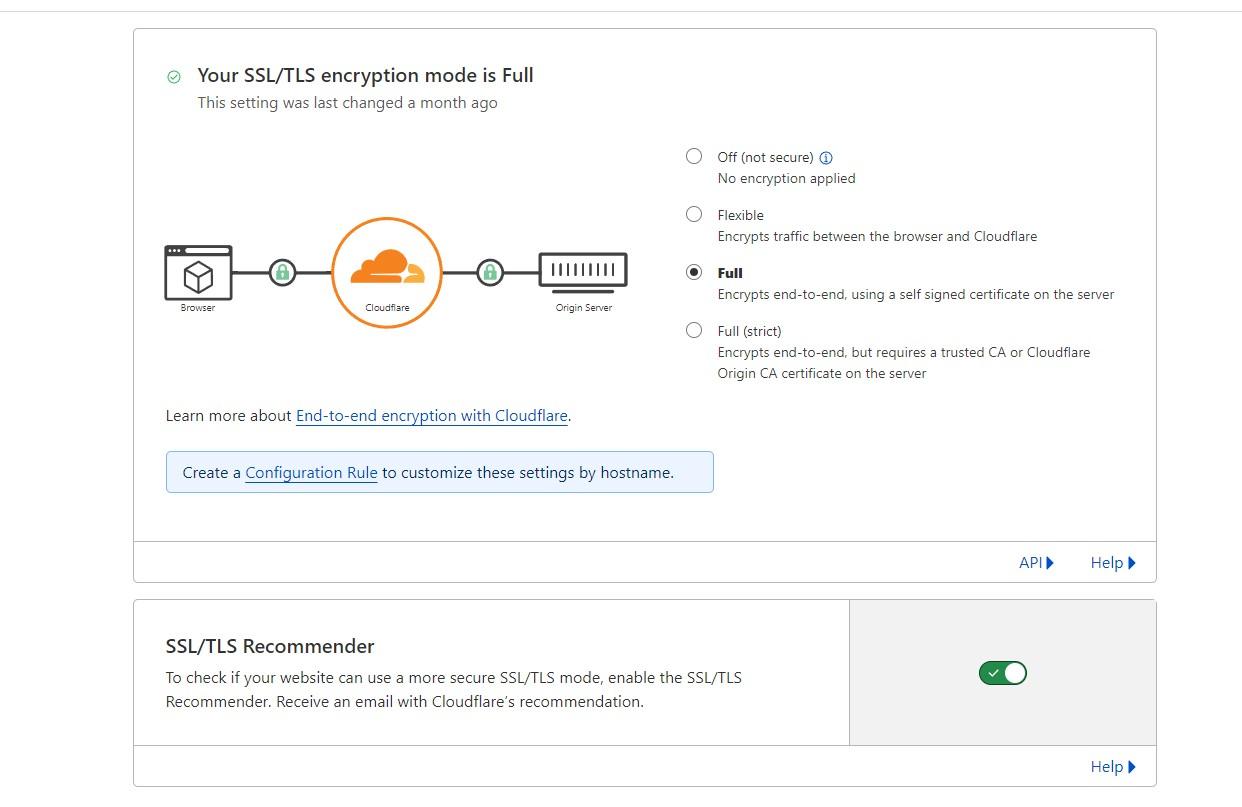
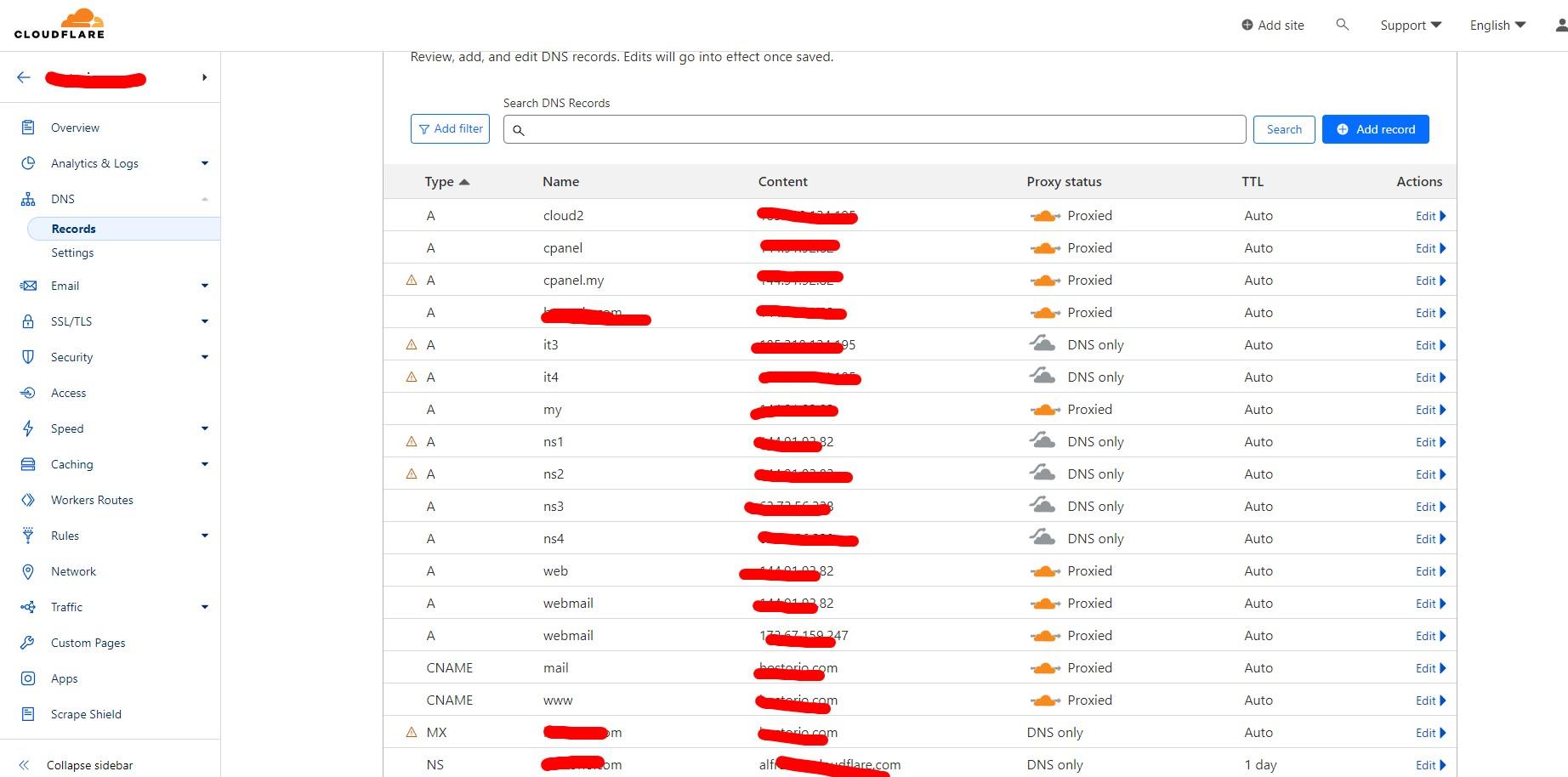
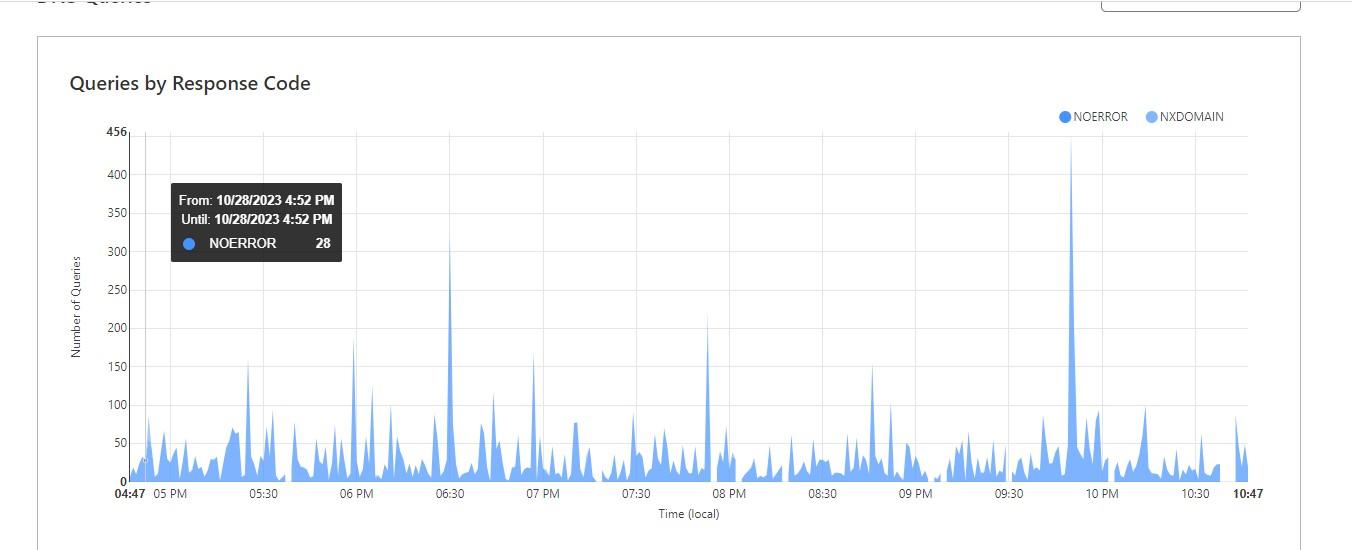
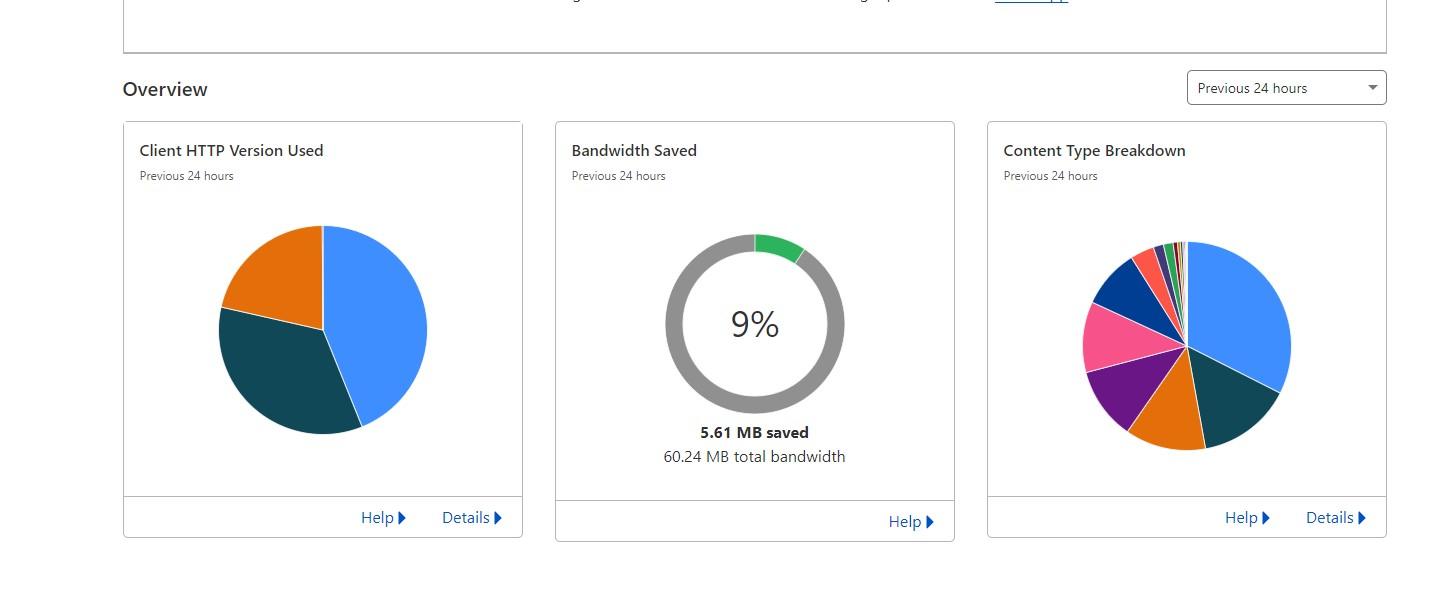
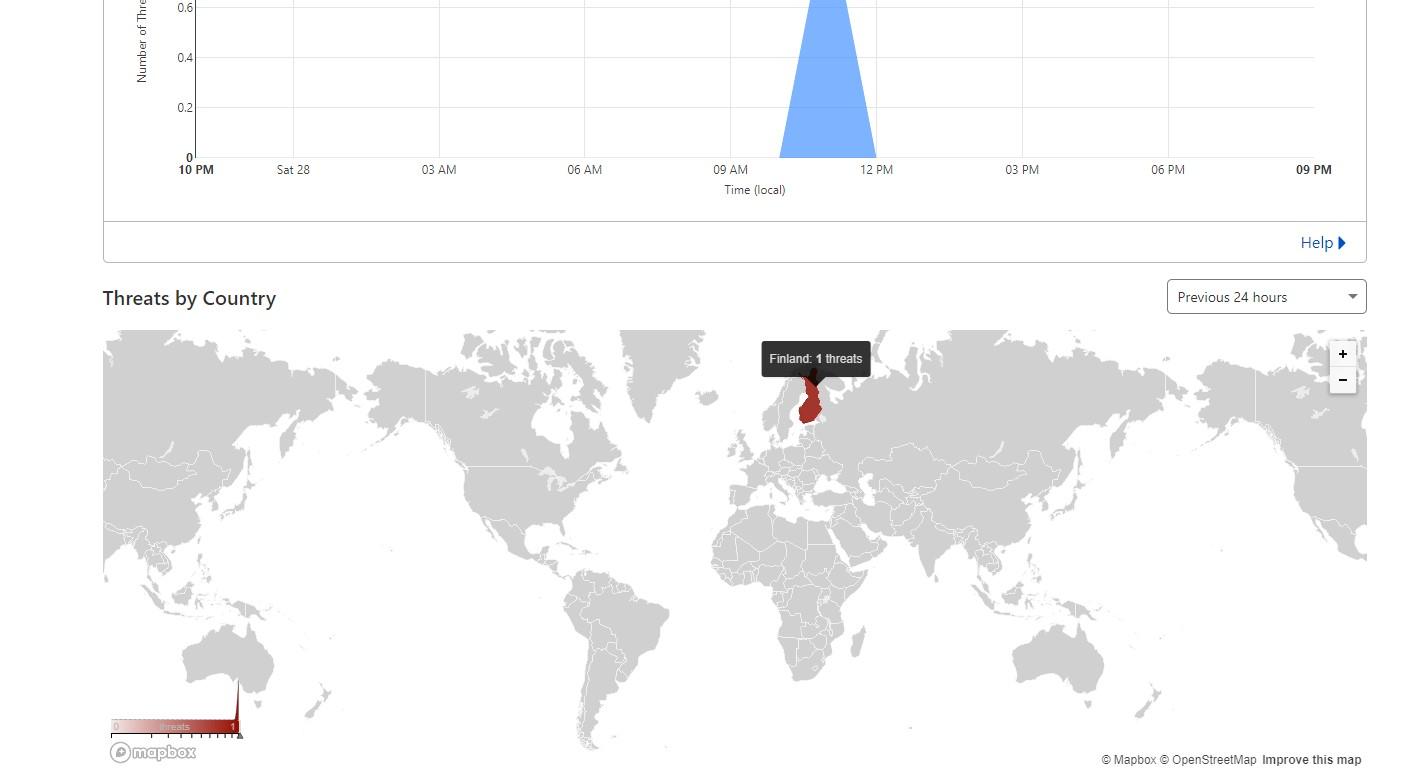
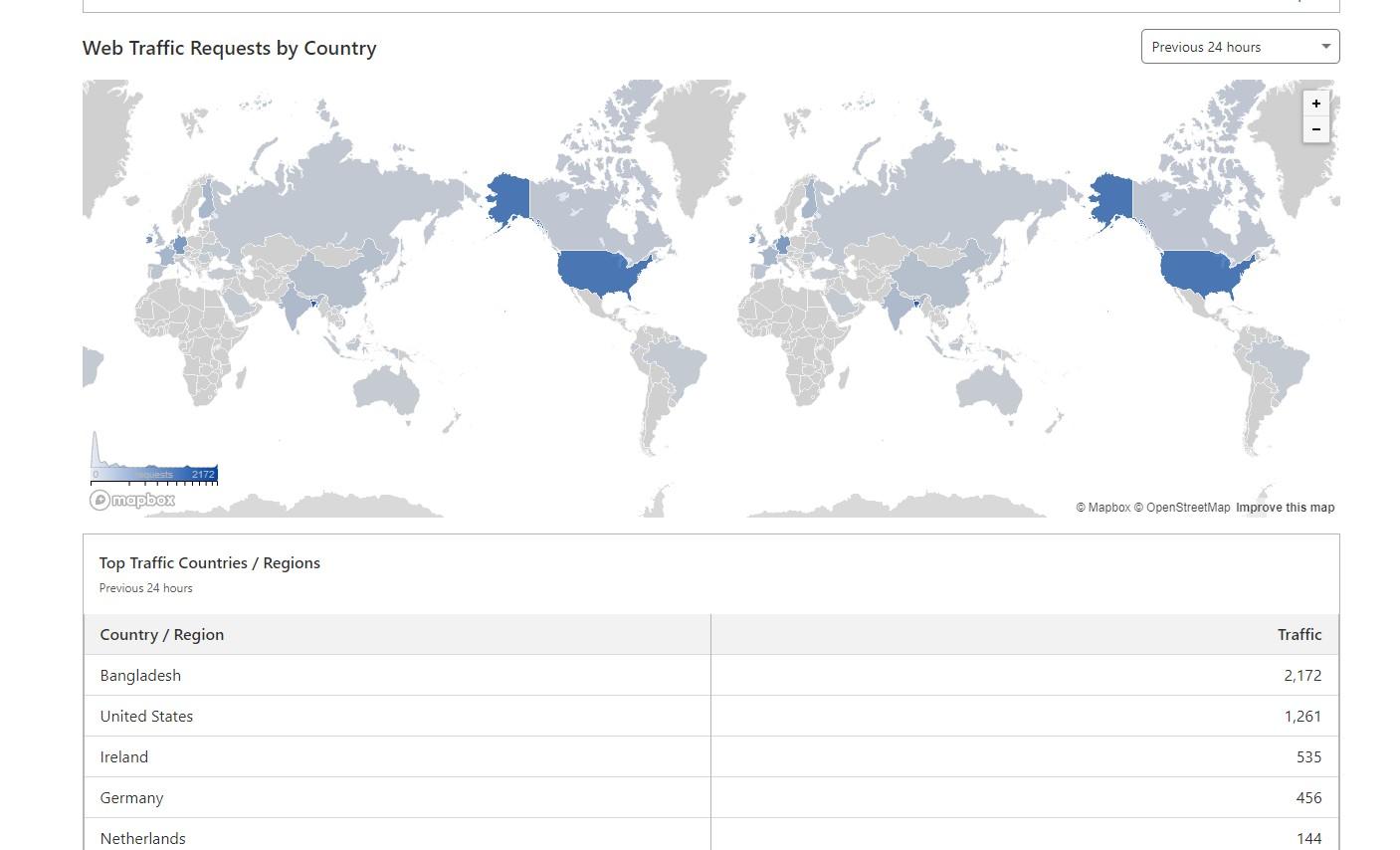
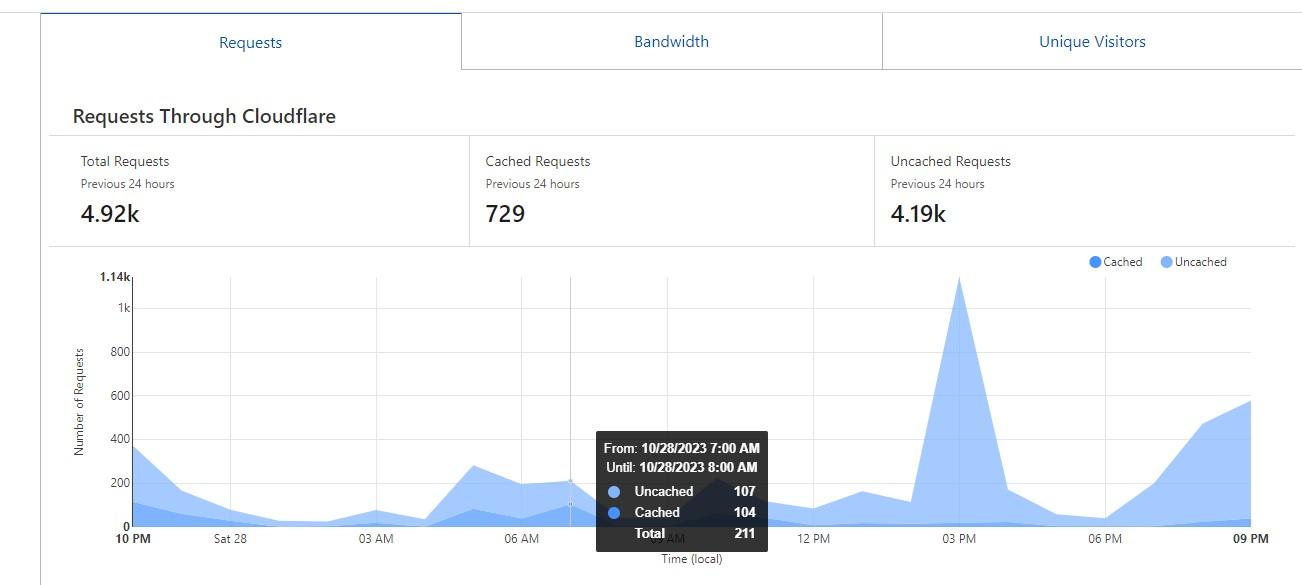
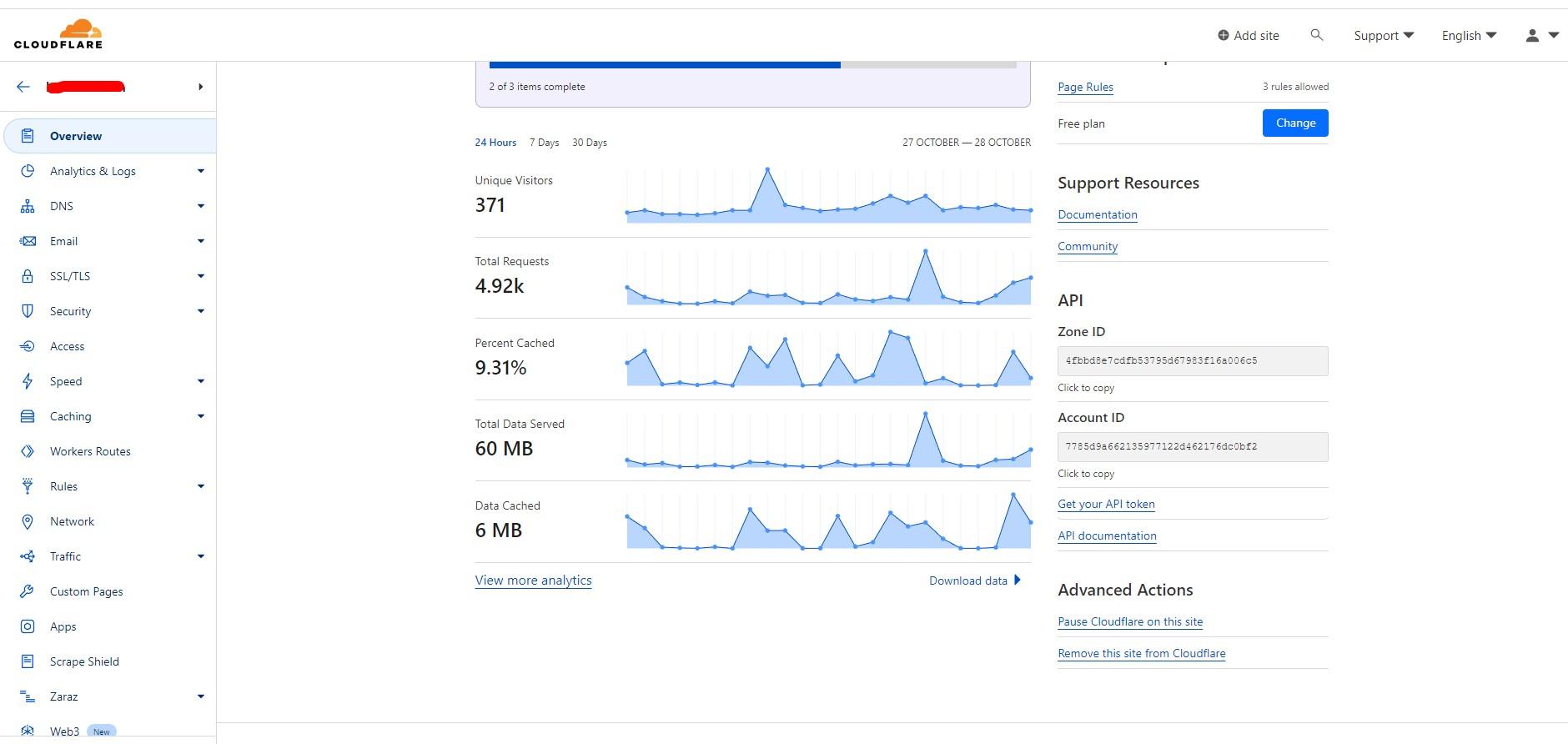
Cloudflare is a prominent global content delivery network (CDN), cybersecurity, and internet security company that provides various services to optimize and secure websites, APIs, and other internet services. It was founded in 2009 and has since grown into one of the largest and most influential companies in the realm of content delivery and internet security. Key Aspects of Cloudflare: Content Delivery Network (CDN): Cloudflare operates a global network of servers strategically placed around the world. These servers help deliver website content to users more quickly by caching static content and serving it from the nearest server, reducing latency and improving […]

Read More

Apache Engine config and WP website Build

Configuring the Apache web server and building an e-commerce website involves several steps. Here’s a basic outline to help guide you through the process: Apache Web Server Configuration: Install Apache: If not already installed, use package managers like apt or yum to install Apache. For example, on Ubuntu, you can run:sudo apt update sudo apt install apache2 Start Apache: After installation, start the Apache service and enable it to run on system boot:sudo systemctl start apache2 sudo systemctl enable apache2 Configure Virtual Hosts: Set up virtual hosts in Apache to host your e-commerce site. Create a configuration file for your […]

Read More

Lightsail configuration and Migration WordPress website on the AWS

Migrating a WordPress website to AWS Lightsail involves a few steps. Lightsail is a simplified cloud service provided by AWS, offering a user-friendly interface and pre-configured options, making the migration process relatively straightforward. Here’s a step-by-step guide: 1. Create a Lightsail Instance: Log in to AWS Lightsail: Go to the AWS Management Console and navigate to Lightsail. Create an Instance: Click on “Create instance” and select the appropriate instance image. Lightsail offers a pre-configured WordPress image, making the setup easier. Select Instance Plan: Choose the instance plan based on your requirements (e.g., amount of RAM, CPU, and storage). Name your […]

Read More

cPanel/WHM install on the Almalinux

The installation processes for cPanel, JetBackup, and Softaculous can be detailed and might vary based on the server’s operating system, the specific version of the software, and individual preferences. Below is an overview of the installation steps for each of these applications: cPanel: cPanel is a widely-used web hosting control panel. To install cPanel, the process typically involves: Pre-Installation Checklist: Ensure the server meets the system requirements specified by cPanel. Have a clean installation of a compatible operating system (commonly CentOS). Access to Installation Files: Acquire the cPanel & WHM installation file by purchasing a license from the official cPanel […]

Read More

Install Plesk Web Panel and Security setup.

Plesk Install on the server Plesk is a web hosting control panel that simplifies the management of web servers, providing an easy-to-use interface for website and server administration. Installing Plesk generally involves several steps. Below is an overview of the installation process: Before Begin: Check System Requirements: Ensure that your server meets the hardware and software requirements specified by Plesk. These requirements might vary based on the version and edition you are installing. Prepare the Server: Ensure the server operating system is updated. It’s also a good idea to back up any critical data on the server. Steps for Plesk […]

Read More

OVH web server setup

Configuring a Virtual Private Server (VPS) for hosting a website involves several steps. Here’s a general outline of the process: 1. Choosing a VPS Provider: Select a VPS provider that meets your requirements in terms of resources, location, pricing, and customer support. Popular providers include AWS Lightsail, DigitalOcean, Linode, Vultr, and others. 2. VPS Setup: Create and Access the VPS: Choose the operating system you want to use (e.g., Ubuntu, CentOS, etc.). Once your VPS is provisioned, use SSH (Secure Shell) to access it. Update the System: Run system updates to ensure that your VPS is running the latest software […]

Read More